
Table of Contents
You’re mid-hand, the action’s on you, and the app just dies. No warning, no error message — just back to your home screen. That’s one of the most infuriating things that can happen at a poker table, and if you’re reading this, you’ve already lived it.
The good news: most X-Poker crashes are fixable in under five minutes. This guide walks you through the real causes — not just “restart your phone” — and gives you a clear action plan based on what’s actually going wrong.
Know your issue already? Jump straight to the relevant section. Otherwise, start with the diagnostic breakdown below — it takes 60 seconds and saves you from fixing the wrong thing.
Why X-Poker Crashes: The 4 Root Causes
Before you uninstall and reinstall for the third time, it’s worth understanding why the app is crashing. Random-looking crashes almost always come from one of four places. Pin yours down first.
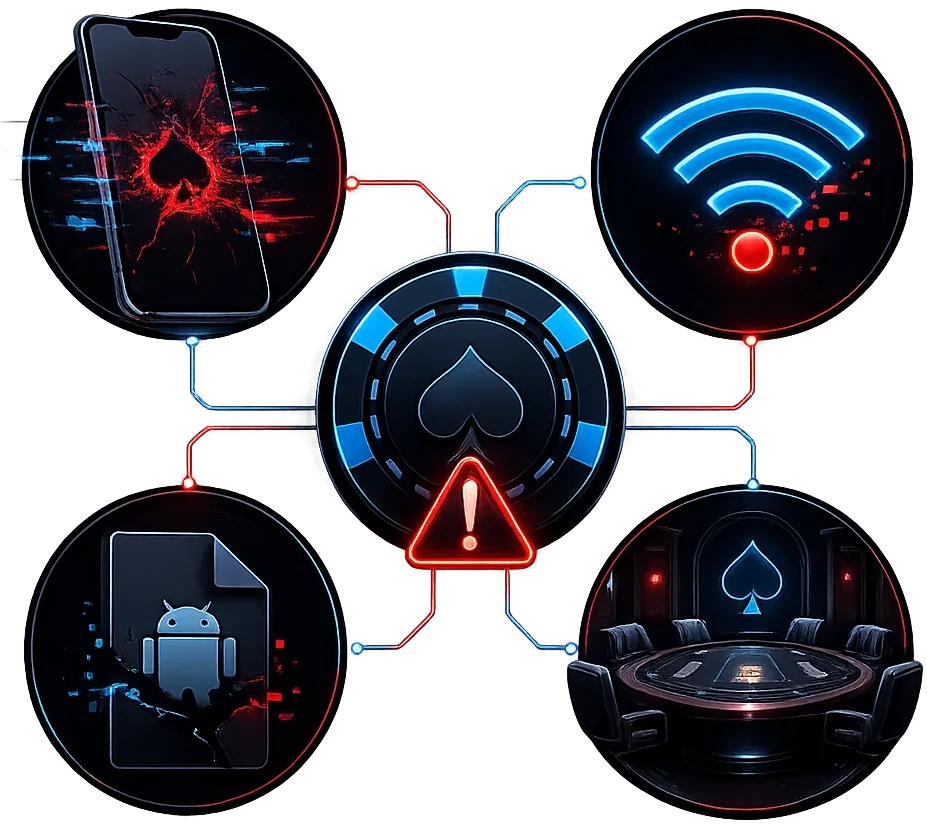
Your Device
This is the most common culprit, especially on Android. X-Poker uses more RAM than you’d expect — particularly if you’re multi-tabling across two or three games at once.
Things to check:
- Android version below 5.0 — that’s the minimum requirement. Older firmware causes random force-closes that look like app crashes.
- Less than 200–300 MB of free RAM — when your phone runs low on memory, it starts killing background processes. X-Poker tends to be first in line.
- Less than 300 MB of free storage — the app itself weighs 137 MB, and cache adds up on top of that. Running tight on space makes the client unstable mid-session.
- Device overheating — long sessions push the processor hard. When it thermal-throttles, the app can freeze or shut down entirely.
- Antivirus or firewall conflicts — some security apps block the network requests that X-Poker needs to stay connected, which shows up as an unexplained crash.
Your Internet Connection
X-Poker is entirely server-dependent. No stable connection means no stable game. The tricky part: “I have internet” doesn’t mean “I have internet good enough for poker.”
Common scenarios:
- Unstable Wi-Fi with packet loss — the app hits a connection timeout and closes, sometimes silently.
- Network switching in the background — if your phone flips from Wi-Fi to mobile data mid-hand, the session drops and it looks like a crash.
- VPN issues — VPN can be a lifesaver in regions with geo-restrictions, but a flaky or free VPN service introduces its own disconnects. If the app crashes specifically when VPN is on, try switching servers or turning it off temporarily.
- Server-side maintenance — occasionally the issue is on X-Poker’s end. Check their official Telegram channel or support page before spending time troubleshooting your device.
Outdated or Corrupted App Version
This is the second most common cause. X-Poker pushes updates regularly, and an old client can fall out of sync with the server or your club’s configuration — leading to crashes that feel completely random.
One thing to watch out for: if your APK wasn’t downloaded from an official source (x-poker.net, Google Play, or the App Store), the file may be corrupted or tampered with. A compromised install will crash unpredictably and reinstalling from the same source won’t fix it.
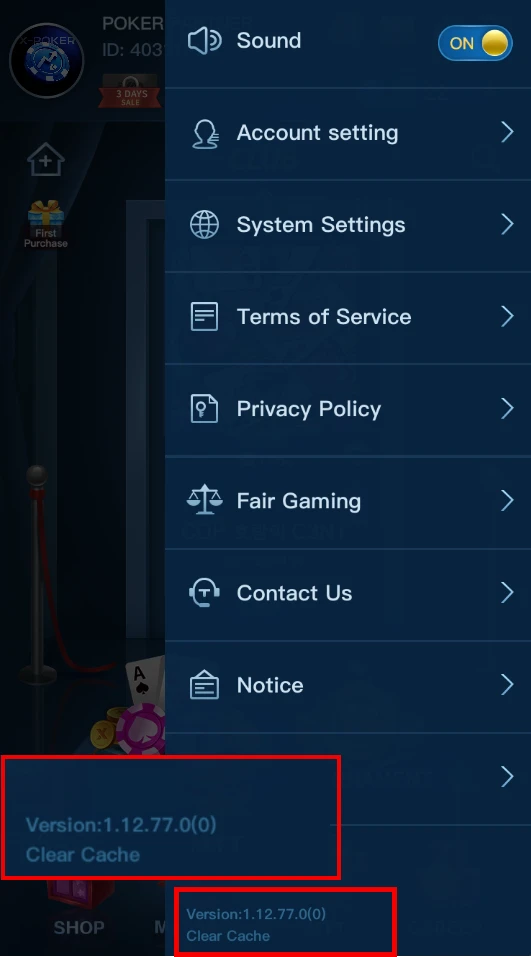
Current version as of this writing: 1.12.77 (May 2026). If you’re on anything older, that’s your first suspect.
Your Club’s Settings
This one catches a lot of players off guard — and it’s specific to how X-Poker works as a club-based app. You’ve got the latest version, your connection is solid, your phone is fine — but the app crashes the moment you try to open a specific club or table.
The problem isn’t the app. It’s what’s happening inside the club:
- The club admin updated internal settings (VPIP restrictions, table formats, game rules) and the client can’t process the new configuration cleanly.
- The club changed its union structure or agent hierarchy.
- There’s a technical issue on the club host’s side — not the X-Poker platform itself, but that specific club’s instance.
- You’re seeing an “unsafe environment” error — this is a protective trigger that can fire when club settings change or when the app detects emulation software.
If every other club loads fine but one specific club crashes the app — that’s almost certainly a club-side issue, not a device or app problem.
Quick Fix Checklist: Solve It in 5 Minutes
This covers the vast majority of crash scenarios. Work through these in order — each step goes a little deeper than the last.
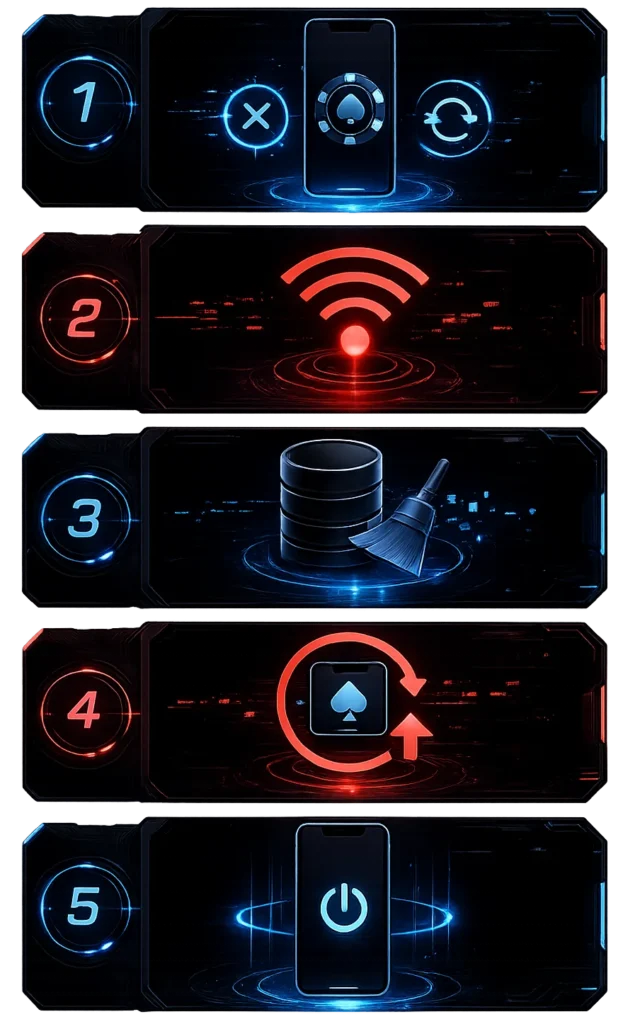
Step 1 — Force-close the app and relaunch Don’t just swipe it away. Go to Settings → Apps → X-Poker → Force Stop, then open it fresh. This clears stuck processes and resolves 30–40% of “random” crashes on its own.
Step 2 — Check your connection Switch from Wi-Fi to mobile data (or the other way around) and try again. Load a webpage to confirm the connection is actually stable — not just connected. If you’re using a VPN, disable it temporarily and test without it.
Step 3 — Clear the app cache Settings → Apps → X-Poker → Storage → Clear Cache. This doesn’t touch your account or any saved data — it only removes temporary files that may have gotten corrupted.
Step 4 — Make sure you’re on the latest version Head to Google Play or the App Store and check for updates. An outdated client that’s out of sync with the server is one of the most common causes of mid-session crashes. Download links are in the section above.
Step 5 — Restart your device Basic, but effective. A full reboot clears RAM, resets network settings, and kills background processes that might be interfering with the app.
Step 6 — Free up storage space Close heavy background apps and delete files you don’t need. Aim for at least 500 MB of free space on your device before starting a session.
If you’ve worked through all six steps and it’s still crashing — move on to the specific scenarios below.
Crashes Only When Joining a Club — What to Do
If the general checklist didn’t help and the app specifically crashes when you try to enter a club or sit at a table, the problem is almost certainly not on your end.
In X-Poker’s agent-based model, each club runs as its own independent layer with its own settings, formats, and restrictions. Any change made by the club admin can break how the client loads that club’s data — and you’d have no way of knowing it happened.
Try these yourself first:
- Log out completely and log back in — this refreshes your session token and club sync data.
- Reinstall the app from scratch using the latest version (link above). Your account is stored server-side — it won’t be affected.
- Try opening the X-Poker global lobby without entering any club. If that works fine, the issue is definitely club-specific.
- Reach out to your club admin and ask if any settings were changed recently.
If none of that fixes it, the configuration needs to be sorted on the club side — it’s not something a reinstall will solve.
💬 Club-side issue? Message us and we’ll get your table access restored.
Still Using an Emulator? Switch to the Official Windows Client
If you’ve been running X-Poker through BlueStacks or LDPlayer — there’s actually no need anymore. X-Poker now has an official Windows desktop client. It’s more stable, doesn’t require 16 GB of RAM, and won’t trigger “unsafe environment” errors.
But here’s something more important than the technical side.
A lot of clubs on X-Poker have outright banned emulator use. This isn’t just a preference — it’s a fair-play policy. Emulators can be used to run third-party tools and HUDs that give players an unfair edge, which is why many club admins have made them a hard no.
⚠️ Heads up: getting caught playing through an emulator in a club where it’s banned can result in sanctions — including account suspension and chip freezes. Before you use any emulator, check with your agent first. It takes 30 seconds to ask and could save you a lot of headaches.
If you’re still on an emulator for some reason and dealing with crashes, the usual culprits are: the “unsafe environment” detection, GPU driver conflicts, and outdated APK files. But honestly, the cleanest fix is just switching to the official Windows client — it’s what it’s there for.
How to Update X-Poker and Where to Download It
Keeping your app up to date isn’t just good hygiene — it directly affects stability. After a server-side update, older clients can mishandle club data and crash on connection. It’s one of those things that’s completely preventable.
Android:
- Via Google Play: open the app page → tap Update if available
- Via official APK: download from x-poker.net → install over your current version (you’ll need “Install from unknown sources” enabled in your settings)
iOS:
- App Store → your profile icon → Available Updates → update X-Poker
Latest version: 1.12.77 (May 2026 — 137.4 MB)
One thing to do after updating: log in and confirm your club is showing up correctly before you sit down at a table. Occasionally a fresh install needs a moment to re-sync club data.
How to Prevent Crashes Going Forward
A solid poker client shouldn’t be dropping you mid-hand. A few habits will keep that from happening:
- ✅ Update the app as soon as new versions drop — don’t let outdated builds accumulate
- ✅ Stick to stable Wi-Fi or LTE/5G — avoid public networks for anything with real stakes
- ✅ Close heavy background apps before a session — navigation, streaming, camera apps all compete for RAM
- ✅ Clear your cache once a week — built-up temp files slow the client down over time
- ✅ Don’t launch a session immediately after an OS update — let your device settle for a few minutes first
- ✅ Keep an eye on device temperature during long sessions — overheating is a real and underrated crash trigger
FAQ
X-Poker crashes immediately on launch — what’s going on? Usually it’s either a corrupted install file (especially if the APK came from a third-party site) or an OS compatibility issue (Android 5.0+ is required). Do a clean uninstall, restart your device, and reinstall from the official source at x-poker.net.
Will I lose chips if the app crashes mid-hand? The server records hand state independently of your client. When you reconnect, your balance should reflect where things stood. If there’s a discrepancy, contact your agent or club admin with the approximate time of the crash — they can look it up.
X-Poker isn’t showing my club — is that a crash? Not necessarily. If the app itself opens fine and the global lobby loads, but your club is missing, that’s a sync or configuration issue rather than a technical crash. Try logging out and back in. If the club still doesn’t appear, reach out to us.
Do I need a VPN to use X-Poker? In most regions, no. Playing without one is generally more stable since it removes a potential point of failure. If your ISP blocks the app or you’re in a restricted region, use a reliable paid VPN — free services introduce too many connection variables for real-money play.
How do I contact X-Poker support directly? Email: support@x-poker.net. For club-specific issues, your agent or club manager is usually faster and more effective than going through official support.
Read also
What Is an Agent in X-Poker, PPPoker? Roles, Responsibilities, and How It Actually Works
Poker Outs and Odds 2026: What They Are, How to Count Them, and How to Use Them at the Table
X-Poker Full Review in 2026: Download App, Find the Best Clubs & Join